Step 1
Create your menus
Add weekly meals with photos and prices. Update anytime — your customers always see what's available.
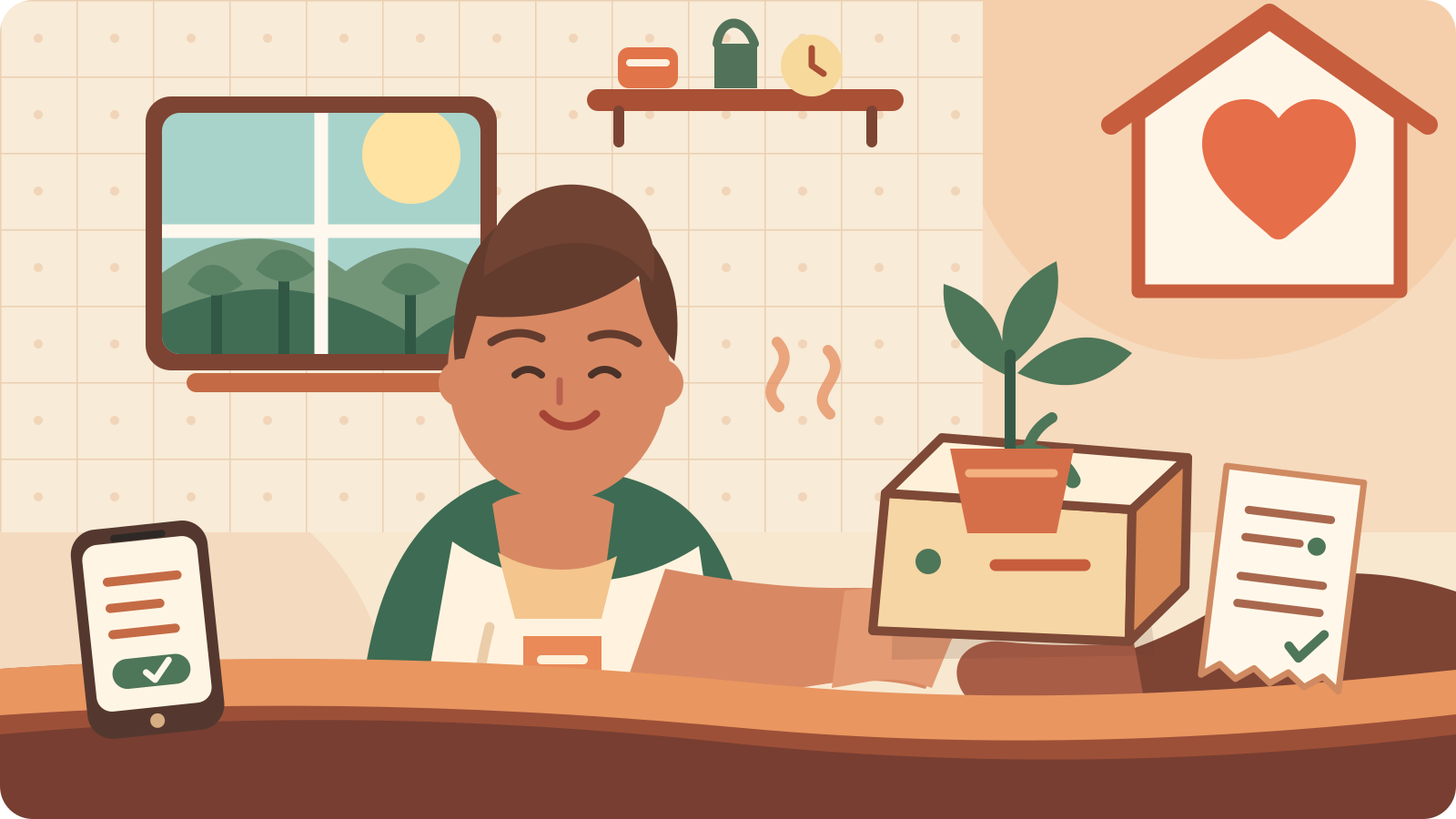
MealMesh helps neighbourhood cooks, home chefs and tuck shops manage menus, orders, payment proof and pickups — all from one simple platform.
Limited free spots
The first 10 kitchens in each town get 2 months free (no subscription fee and no R2 per-meal commission). Spots fill as kitchens register.
Auto-applied when you register. No claim code needed.
From your kitchen to your community — four simple steps to run your meal business.
Step 1
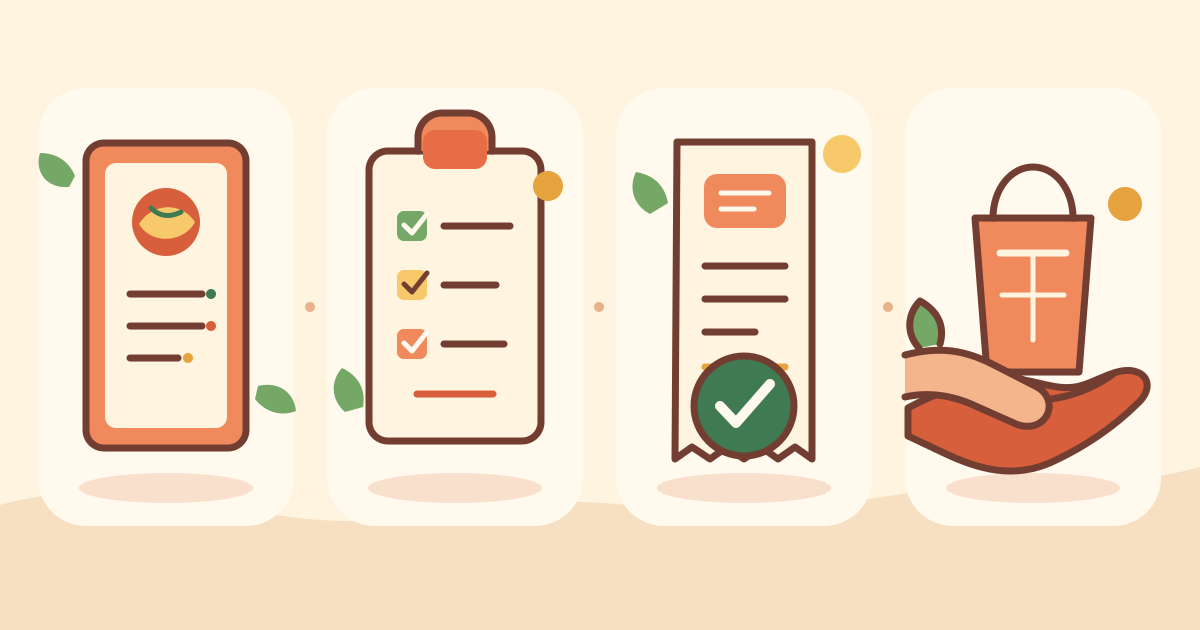
Add weekly meals with photos and prices. Update anytime — your customers always see what's available.
Step 2
Customers browse and order online. Set cut-off times so you know exactly how much to prepare.
Step 3
Customers upload proof of payment (EFT). You verify each one — no payment processing, just clear records.
Step 4
Manage pickup points and times. Customers get reminders so meals are collected fresh.
Built for home cooks and small food businesses — not big restaurants.
Show off your dishes with images. Customers and neighbours order what they can see.
Set a daily deadline so you know your numbers before you start cooking.
Track every proof of payment upload. Approve or reject with a reason — no card payments involved.
Offer collection at your home, a stalletjie or a community spot — you choose.
Order confirmations, payment updates and pickup reminders — sent by email in Afrikaans or English.
Download PDF invoices for your records at the end of each month.
Short answers about ordering home-cooked meals on MealMesh.
Find a kitchen on MealMesh, open its page, then register or sign in on that kitchen’s site to browse menus and place an order for pickup or delivery.
Yes. Customers pay only the kitchen’s meal price (and any delivery fee the kitchen sets). MealMesh does not charge customers a platform fee.
Customers pay the kitchen directly by EFT or bank transfer and upload proof of payment. MealMesh does not process card payments or hold funds.
MealMesh lists neighbourhood kitchens across South Africa. Browse by city and neighbourhood on the Find kitchens page to see who is nearby.
Most kitchens offer pickup at set points and times. Some also enable delivery — check each kitchen’s page for what they offer.
Yes. The full site and emails work in Afrikaans and English. Switch language anytime from the language control.
Home cooks and neighbourhood kitchens register at the vendor signup page, choose a subdomain, and start publishing menus.
Open Find kitchens, pick your city and neighbourhood, then open a kitchen’s page for menus and how to order.
Also for schools
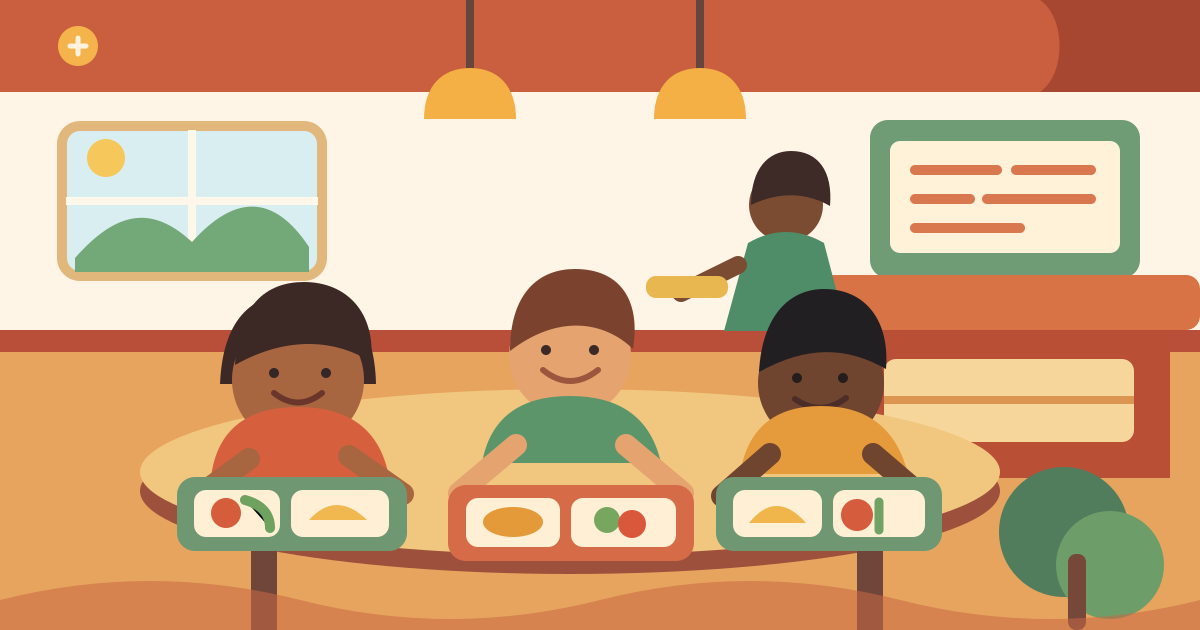
Schools get their own branded subdomain with menus, customer accounts and admin tools. e.g. yourkitchen.mealmesh.co.za
MealMesh tracks proof of payment (EFT/bank transfer) only. We do not process card payments or hold your money — you stay in control of every transaction.
The full platform is available in Afrikaans and English. Switch languages anytime — perfect for serving your whole community.